Downloads
Apps, software and catalogs
Viewing apps and PC software for Remico brand cameras and recorders, plus product catalogs and lineups for the brands we supply.
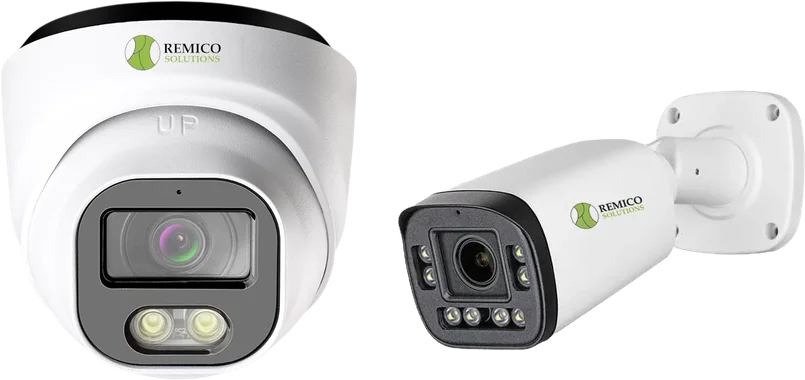
Remico brand cameras
VMS apps and software (XMEye)
Remico brand cameras and recorders are viewed with XMEye. Install the phone app for live view and playback, or the PC software for a desk or control-room screen.
APP
XMEye Pro for AndroidGoogle Play
Open →
APPXMEye Pro for iPhone and iPadApp Store
Open →
ZIPXMEye for Windows PCVersion 2.0.28.1 · 100 MB · downloads from XMEye
Download →
ZIPXMEye for MacVersion 1.20.0.14 · 20 MB
Download →
ZIPXMEye camera playersPlay exported recordings on a Windows computer · 19 MB
Download →
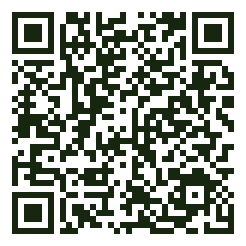

Remico Cloud Video customersSign in to your cameras in the browser from the cloud NVR login page.
Catalogs & product lineups
Brands we supply
Full catalogs and current lineups. Tell us the models you're interested in and we'll confirm availability and pricing for your project.
PDF
Anabon / CASE product catalog · 2027 Q1Domes, turrets, bullets, PTZ, thermal, explosion-proof, NVRs and solar trailers · 120 pages · 21.6 MB
Download →
WEBVIGI by TP-Link lineupCameras, NVRs and VIGI Cloud VMS on TP-Link's site
Open →
WEBOmada by TP-Link lineupAccess points, switches, routers and controllers
Open →
WEBKisi access controlReaders, controllers and software
Open →
WEBVicon product lineupNEXT cameras, Valerus VMS and VAX access control
Open →
WEBAxis network camerasAxis Communications product lineup
Open →
WEBLTS Pro-X lineupLTS cameras and recorders
Open →
Related pages
Remico SolutionsSimple made easyPeace of Mind Technology
Need help setting up remote viewing?
Call us and we'll connect your phone or computer to your Remico recorder.