Early threat detection and rapid response
Omnilert Gun Detect is AI visual firearm detection and automated response. It watches your existing IP cameras for a visible gun, has a person verify the detection, then alerts your team with the weapon type and location and can start lockdown and notification steps automatically, aiming to act before shots are fired.
- Uses existing IP cameras
- Human-verified alerts
- Automated response
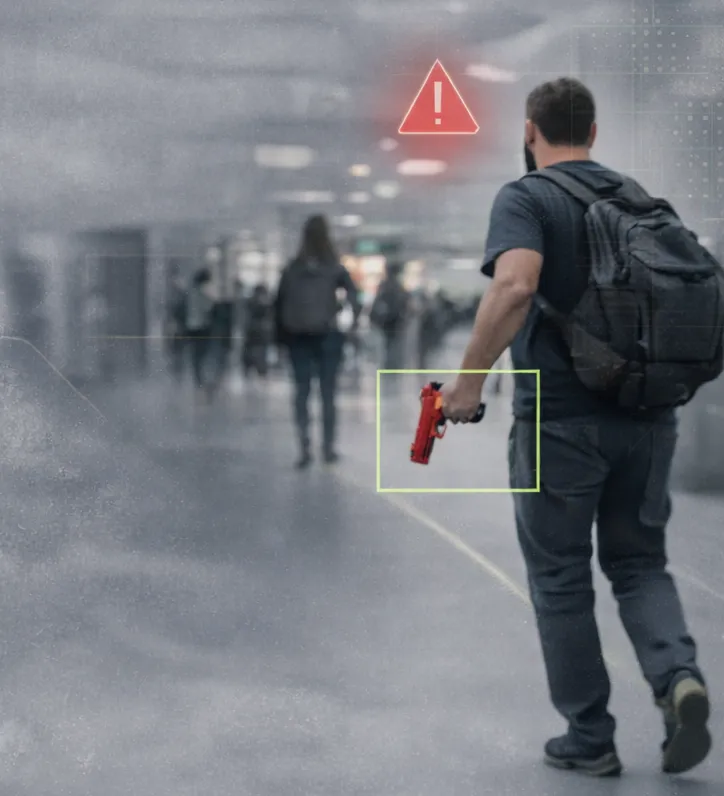
Handgun · East hallway, Camera 03 · Police notified
Four parts of one response
AI visual firearm detection
Detects handguns and long guns in real time using advanced neural networks.
Integration with existing systems
Works with current IP cameras, VMS/NVR platforms, access control, alarm panels and emergency notification tools.
Professional monitoring
Supported by UL-listed, CSAA Five Diamond certified centers that can escalate directly to 911 / PSAP.
Automated emergency response
Pre-scripted workflows notify police, alert building occupants, lock doors or start your safety protocols.
Detect, verify, respond
Speed matters, but so does avoiding a false lockdown. Omnilert combines computer vision with a multi-step human verification process.
Detect
The AI watches the video from your IP cameras and flags a visible firearm the moment it appears in view.
Verify
A person reviews the detection image before the alert goes out, filtering out look-alike objects.
Respond
Your team and first responders get the alert with the weapon type, camera and location, and your workflow runs: lock doors, notify occupants, call police.
What the AI sees
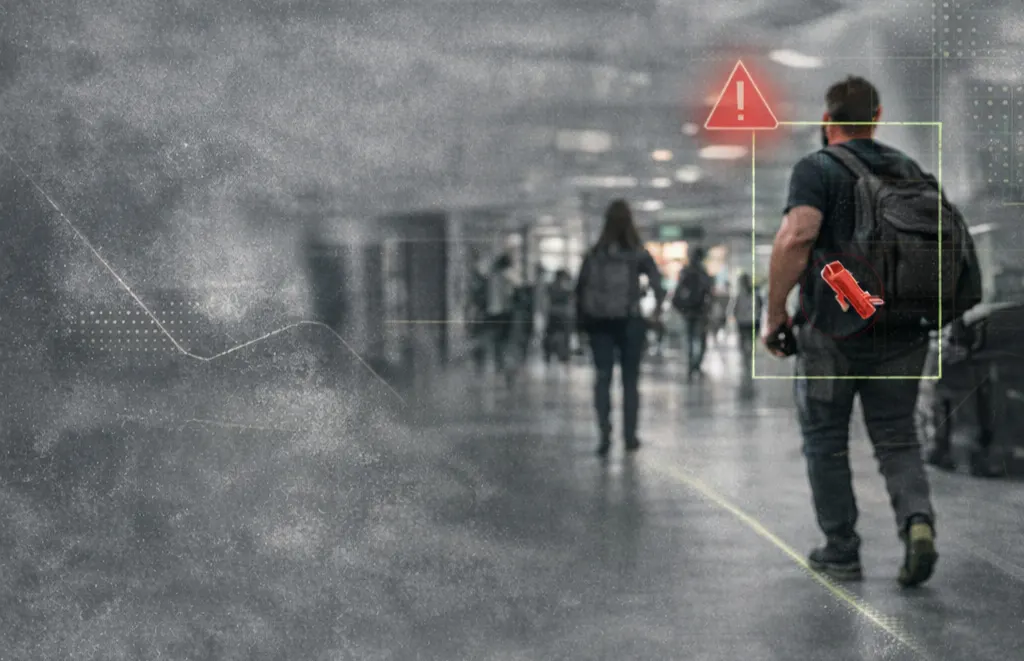
Real camera views from Omnilert's detection reel: entrances, walkways and lobbies, with each person boxed and the firearm labeled when it appears.
- Works on ordinary overview cameras, indoors and outdoors
- Tracks every person in view, flags the one holding a gun
- Day and night scenes, crowds and empty hallways
- The detection image travels with the alert, so responders see what the camera saw
What makes firearm detection work
- Camera coverage at entry points: the goal is to see a weapon before the person is inside, so entrances, parking approaches and lobbies come first
- Image quality: a gun is a small object; cameras need enough resolution and light at the distance people walk past
- A written response plan: decide in advance who is notified, which doors lock and what occupants are told
- Integration: connect access control and mass notification so the workflow runs without someone pressing buttons
- Drills: test the workflow with staff and local responders
Who uses gun detection
Schools & universitiesEntrances, parking lots and hallways; automated lockdown.
Offices & corporate campusesLobbies and reception, with access control lockdown.
HealthcareEmergency departments and public entrances.
Houses of worshipEntrances and parking during services.
Retail & venuesStore fronts, stadium gates and event entrances.
Government buildingsPublic entrances alongside screening.
Common questions
Do we need new cameras?
How are false alarms handled?
What happens after a verified detection?
Does it detect concealed weapons?
Planning firearm detection for a school, office or venue?
We review which cameras cover your entrances, confirm compatibility and map the response workflow with your team.