Engineered Wi-Fi for high-traffic locations
High-density TP-Link Omada networks with Wi-Fi 5, 6 and 7 access points for supermarkets, restaurants, hotels and offices. We deliver a fully engineered and managed deployment: no shopping for an installer, just purchase and schedule.
- NDAA compliant
- Captive portal for guests
- Seamless roaming
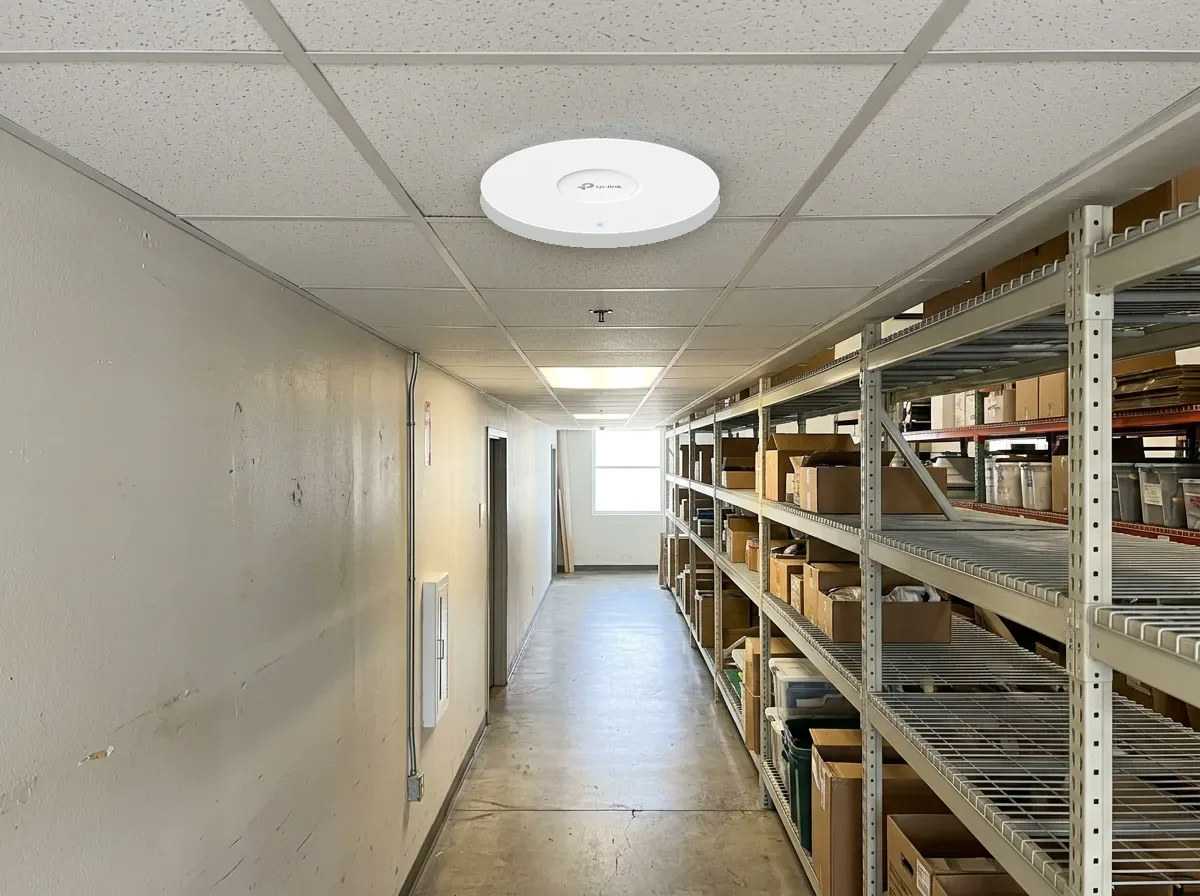
Designed for busy spaces, not just coverage
High-density design
Access points placed and tuned for the number of devices, not just the floor area, so busy hours stay fast.
Captive portal
A branded guest login page that secures guest access and gives you promotional exposure.
Seamless roaming
Devices hand off between access points without dropping calls or streams.
Indoor & outdoor
Ceiling, wall-plate and outdoor access points, with mesh where cabling isn't practical.
Central dashboard
Manage every site from one Omada controller with real-time insights.
Engineered & managed
We design, install and manage the deployment. You purchase and schedule.
The Omada lineup we install
All TP-Link Omada, so access points, switches, routers and controllers share one management platform. We supply any current Omada product through TP-Link project registration, so the full lineup is available.
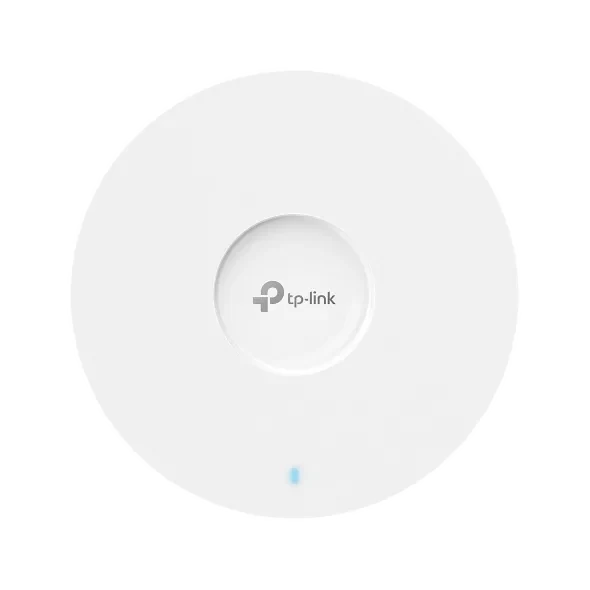
Ceiling mount
- Wi-Fi 5, 6 and 7 models
- Main coverage for open floors
- PoE powered: one cable each
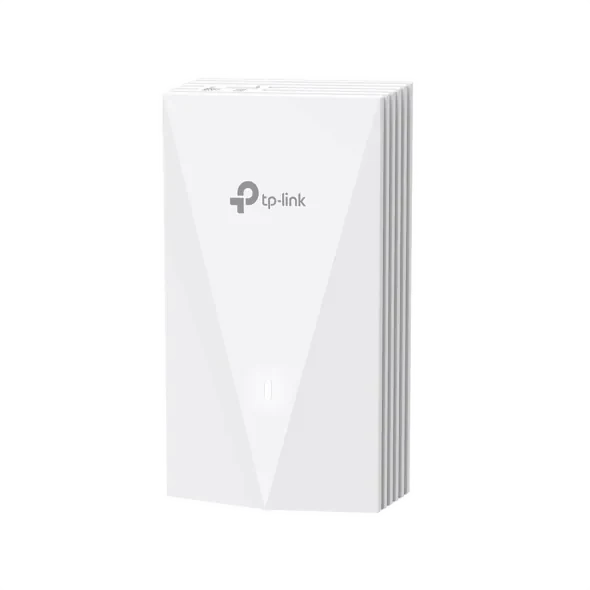
Wall mount
- Fits a standard wall box
- Hotel rooms, dorms, offices
- Extra wired ports for TVs and phones
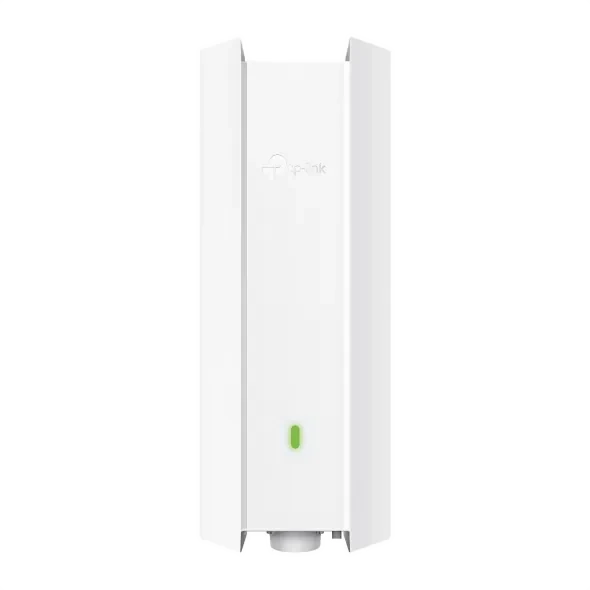
Outdoor
- Weatherproof housings
- Patios, lots, yards, pool decks
- Mesh or point-to-point bridging
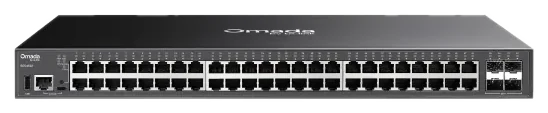
Managed PoE switches
- Power access points, cameras and phones
- VLANs to separate guest, staff and cameras
- Sized for the full PoE budget
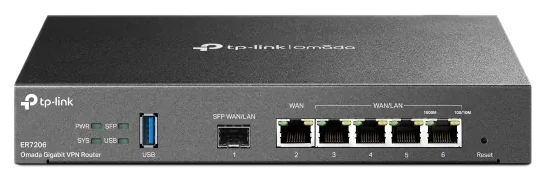
Routers & gateways
- VPN between sites
- Multiple internet connections
- 4G outdoor gateways for remote sites
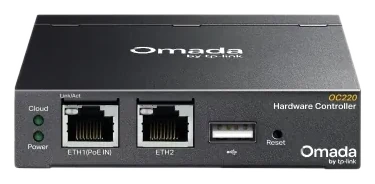
Controllers
- Hardware, software or cloud controller
- One dashboard for every site
- Real-time client and traffic insight
Installing an AV system too? Zenty's Lysora line (Wi-Fi 6 and 7 access points, cloud-managed switches and routers) is available alongside a Zenty AV network. See Audio Visual.
Where we install Omada
Supermarkets & retailHigh-density coverage, guest portal, handheld scanners that roam aisle to aisle.
RestaurantsGuest Wi-Fi with a promotional portal, separate network for POS.
HotelsWall-plate APs in rooms, ceiling APs in halls and lobbies, one dashboard.
OfficesReliable Teams and Zoom calls, VLANs for staff, guests and cameras.
WarehousesRoaming for scanners and tablets across racks and docks.
Outdoor areasPatios, lots and yards on outdoor APs or bridges.
It may need optimization, not more bandwidth
When applications feel slow, the internet connection gets blamed first. Often the real cause is inside the building: wireless design, overheated equipment, overloaded switches, cabling faults or old settings. A faster circuit won't fix those.
Common signs
- Slow Wi-Fi despite strong signal bars
- Poor Teams or Zoom call quality
- Random wireless disconnects and dead spots
- Intermittent access to cloud apps
- Slowdowns during busy hours
- Devices that keep reconnecting
- Users complain, but basic IT checks show nothing wrong
Hidden causes of poor performance
Wireless design
Poor AP placement, too much overlap, channel interference, wrong transmit power and weak roaming.
Heat
Hot closets raise error rates, cut efficiency and shorten equipment life, often as afternoon-only problems.
Cabling
Bad terminations, damaged patch cables, water or wall damage, and old cable categories. The link light can be on while errors pile up.
PoE capacity
APs, cameras, door controllers and phones share one power budget. Over it, devices reboot or fail to start.
Configuration
VLAN design, DNS delays, broadcast traffic, port errors and legacy settings that make healthy internet feel slow.
Or the internet
Sometimes more bandwidth really is justified. An assessment tells you which, before you pay for it.
Your employees notice slow Wi-Fi. Your network notices heat.
A closet at 100 °F can keep blinking and passing traffic while quietly cutting the reliability and life of every switch, firewall, UPS and controller inside. Measure the room's air temperature, not the chip temperature.
| Room temperature | Network risk level |
|---|---|
| 68–77 °F | Ideal |
| 78–85 °F | Acceptable, monitor it |
| 86–95 °F | Elevated risk |
| 96–104 °F | Performance problems possible, review promptly |
| 105 °F and above | High risk of heat-related failures |
Common causes
- No airflow path: closed door, no vent or exhaust fan
- No dedicated cooling; the hallway thermostat reads 74 °F while the closet is over 90 °F
- PoE switches powering more cameras and APs than when the room was planned
- Other electronics in the same closet, mounted high where heat collects
- Dust and storage boxes blocking vents
Warning signs
- Fans running constantly at high speed
- Random switch or firewall reboots, UPS battery alerts
- Drops during busy periods that clear once equipment cools
Practical fixes
Measure at different times
Morning, mid-afternoon, after hours and on hot days. A sensor with alerts at 85 °F and 95 °F beats a single reading.
Improve ventilation
A vented door, transfer grille, exhaust fan or return path. Don't prop the door open; that exposes gear to dust and tampering.
Clear and space the rack
Remove storage, keep vents clear, use proper rack spacing and cable management.
Protect the batteries
Heat shortens UPS battery life, so cooling is part of your power protection.
Plan before adding devices
Review heat, PoE power, battery backup and space before adding APs, cameras or switches.
Separate hot equipment
Spread dense PoE switches, UPS units and security gear into a better rack layout.
Find the cause before paying for the cure
A speed test is a snapshot. Our assessment checks the full path from the user's device to the cloud and ends with a prioritized plan, not a pile of findings.
You get
- Issues that need immediate attention
- Low-cost fixes that improve performance quickly
- Equipment that is overloaded or aging
- Design changes that improve reliability
- Where more bandwidth is actually justified
What we review
- Internet connection performance
- Firewall and router health
- Switch performance and port errors
- Access point placement
- Channel use and interference
- Roaming behavior
- Cabling condition
- Patch panel and rack organization
- PoE power capacity
- Room temperature and airflow
- VLANs and segmentation
- DNS and core configuration
- Device types and usage
Common questions
Will a faster internet plan fix my slow Wi-Fi?
Why do I have full Wi-Fi bars but calls still drop?
What temperature should my network closet be?
Can the same network run my cameras and door access?
Slow Wi-Fi or dead zones?
Find the cause before paying for the cure. We assess the wireless design, cabling, PoE, heat and configuration, then quote the fix.